Sugargoo Spreadsheet

Start with something you like.

Take a closer look

Spreadsheet

Find your focus

Search with a photo

A few things before you browse

Start exploring

What is Sugargoo Sheetz?

An independent spreadsheet for finding products by name, category or photograph. Each detail brings together seller pictures, pictured styles and any existing QC references before you continue on Sugargoo.

Where should I start browsing?

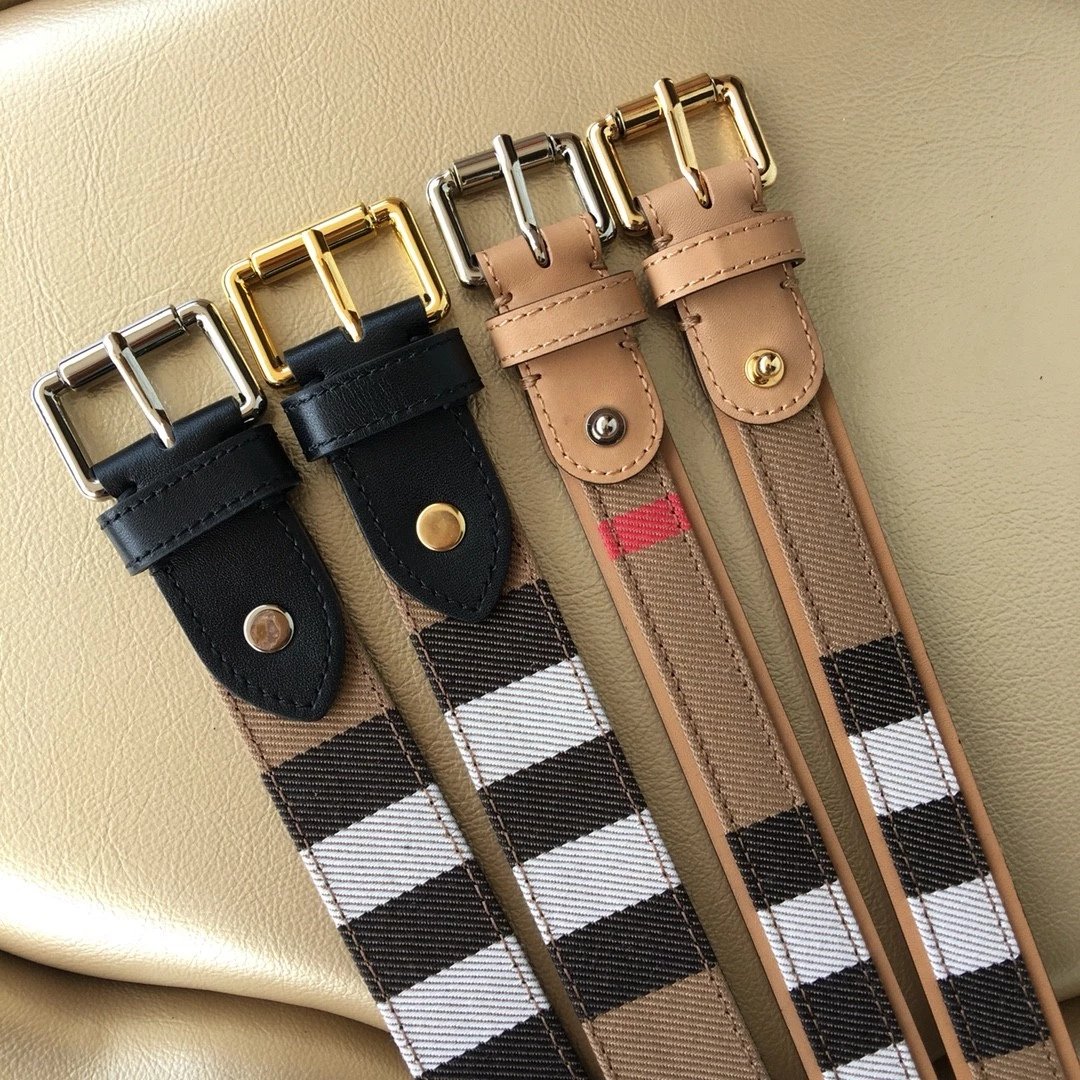
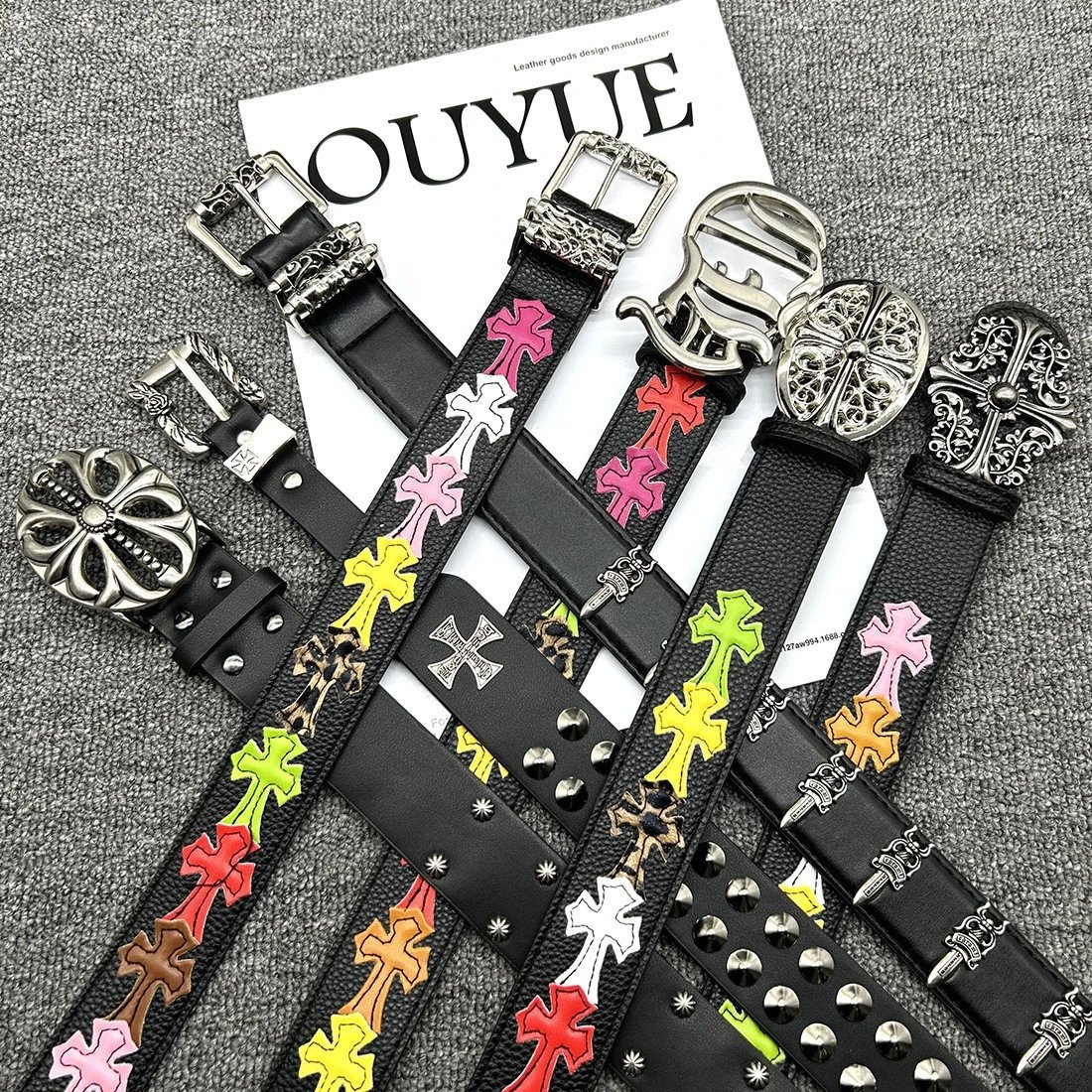
Choose a category for a focused list, or search a product name. Shoes includes sneakers and boots, Tops includes hoodies and tees, and Accessories includes bags, belts and hats.

Can I combine a search with a brand?

Yes. Search first, then use the visible brand and category controls to narrow the results. Changing a filter returns to the first page and keeps your other search choices.

How do I find something from a photo?

Open Image search and upload a clear photo, drop it into the upload area or paste an image. Open a matching result to check its own listing; similar pictures can describe different products.

See the details

Are product photos and QC the same?

No. Product pictures show the seller presentation and pictured styles. QC is a separate set of existing reference photographs associated with the source item, when available.

Does existing QC guarantee my future order?

No. Reference photographs belong to earlier items and cannot establish what a future order will contain. Review the current listing and the inspection for your own order on Sugargoo.

How can I see a complete photograph?

Click a product or QC image to open the full photograph. The page uses fixed frames for browsing; the image viewer shows the original and lets you zoom and move between photographs.

Do the small style photos choose my order option?

They change only the preview image here. Choose the actual size, colour and quantity on Sugargoo after checking the current item and available options.

Continue on Sugargoo

Why does a Sugargoo link open registration?

The official website may require an account before displaying the product. The link still carries the original source item. Use the registration entry if you want to create an account, then check the product on Sugargoo.

Can I copy the original seller link?

Yes. Copy Weidian Link on a supported detail page copies that item’s original address. It lets you compare the source listing with the item shown by Sugargoo.

Which currency do the prices use?

The first visit uses US dollars. You can choose another currency in the header. Listed prices are references; confirm the current item quote and chosen options on the official website.

Is this the official Sugargoo website?

No. Sugargoo Sheetz is independent. Registration and purchase entries lead to Sugargoo, which manages accounts and orders. Promotional links may support this site.